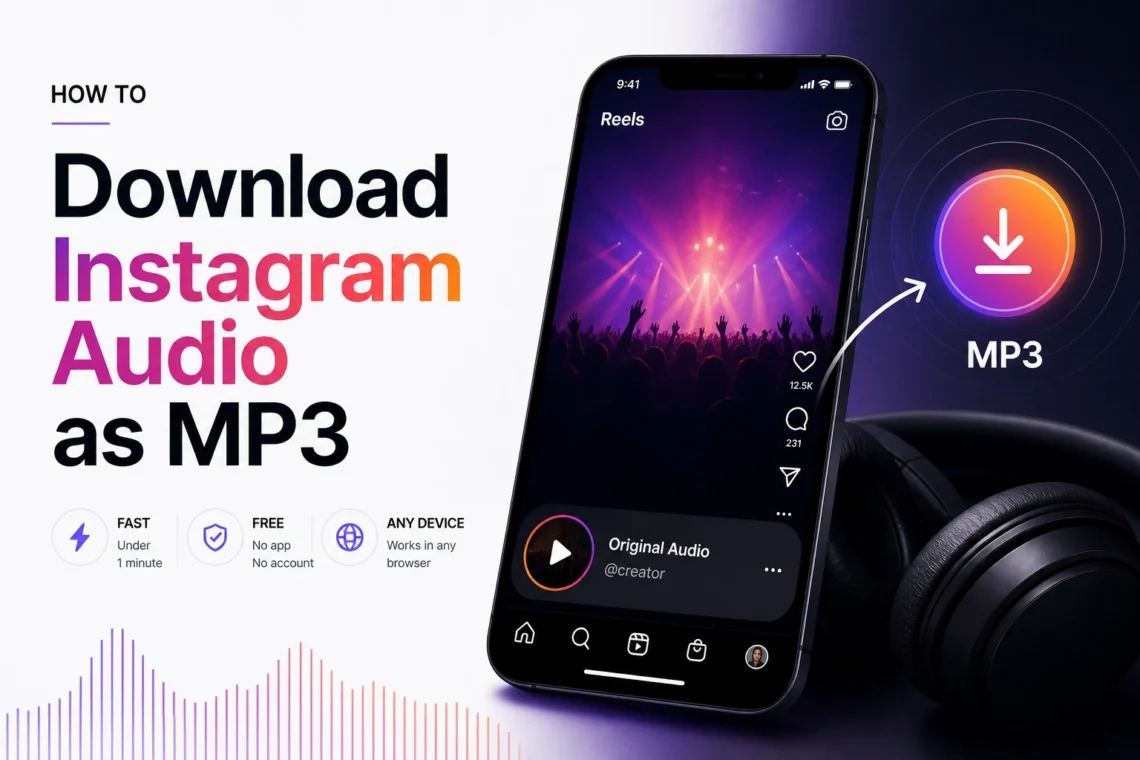
You’re scrolling through Instagram Reels and a track comes on that you’ve never heard before — no song name on screen, Shazam doesn’t catch it, but the sound sticks with you. Or there’s a long interview on IGTV you’d rather listen to on your commute without keeping Instagram open. The problem is always the same: Instagram has no built-in option to export audio. A free online instagram audio downloader mp3 tool solves this in under a minute — no app installation, no account required, works on any device.
When Does It Make Sense to Download Just the Audio?
Most of the time you only need the sound — downloading the full video wastes storage and time. Here’s when MP3 is the right call:
| Situation | Why MP3 is better than downloading the full video |
| Background music in a Reel | File is 10x smaller, easy to store and share |
| Podcast or interview on IGTV | Listen with the screen off without burning mobile data |
| Trending sound for your own content | Import directly into CapCut, Premiere or any editor |
| Motivational speech or voiceover | Save as audio and play whenever you need it |
| Ringtone or notification sound | MP3 imports directly into your phone’s sound settings |
How to Download Instagram Audio as MP3 — Step by Step
Open reelsvideo.io/download-instagram-mp3 in any browser. Free, no sign-up.
- Open Instagram and find the video or Reel with the audio you want to save.
- Tap the three dots (••• on iPhone, ⋮ on Android) on the post.
- Select Copy link.
- Go to reelsvideo.io/download-instagram-mp3 in your browser.
- Paste the link into the field and tap Download.
- The tool extracts the audio track from the video and saves it to your device as an MP3 file.
The whole process takes less than a minute. No account creation, no permissions, no extensions needed.
On Android
Chrome handles the download without any extra steps. The MP3 file goes straight to your Downloads folder and most music apps pick it up automatically. If you don’t see it in your player, look for it in the Downloads folder using your file manager.
Safety note: a legitimate downloader only needs the post link. If any site asks for your Instagram password, close it immediately — that’s a phishing attempt.
On iPhone
Safari sometimes tries to play the file instead of saving it. Here’s the fix:
- Copy the link from the Instagram post.
- Open Safari and go to reelsvideo.io/download-instagram-mp3.
- Paste the link and tap Download.
- If the audio starts playing in the browser — tap and hold the download button and choose Download Linked File.
- The file appears in Files → Downloads. From there, tap Share → Copy to Music to add it to Apple Music.
On PC or Mac
- Open Instagram in your browser and go to the post.
- Click the three dots and select Copy link.
- Open reelsvideo.io/download-instagram-mp3 in a new tab.
- Paste the link and click Download.
- The MP3 saves to your Downloads folder, ready to use in any audio editor or player.
What Quality Is the Downloaded MP3?
The tool extracts the audio track directly from Instagram’s video file — no re-encoding from scratch. Quality depends on what the creator uploaded, typically between 128 and 256 kbps. That’s more than enough for listening, using as background music in your videos, or importing into an editing project.
Keep in mind that Instagram itself compresses content on upload. What you download is the best version available on the platform, not the creator’s original studio file.
What Types of Content Does It Work With?
You can extract audio from any public Instagram video:
- Reels — the most common use case, background music and voiceovers
- Regular feed videos — interviews, tutorials, vlogs
- IGTV — long-form content like podcasts or masterclasses
- Stories saved in Highlights — accessible from the profile page
Private account content is not accessible — this is Instagram’s own restriction that no external tool can bypass.
Frequently Asked Questions
Can I download only the music without the voice?
Not directly — the tool downloads the full mixed audio track as it exists in the video: music, voice, and effects together. To separate elements you’d need an audio editor like Audacity or CapCut after the download.
Will the creator know I downloaded their audio?
No. Instagram does not notify creators about downloads made through external tools.
Can I use the audio in my own videos?
For personal use there’s no issue. If you plan to publish in monetized videos or use it commercially, be aware of copyright on the music. Songs by known artists are protected — using them without a license can trigger claims on YouTube or TikTok.
Is there a download limit?
No limits. Download as many audio files as you need, completely free.
Just the Audio, in Seconds
When all you need is the sound, there’s no reason to download the whole video. Copy the link, go to reelsvideo.io/download-instagram-mp3, and use the tool to download audio from instagram in seconds. The MP3 arrives on your device without any app, account, or extra steps.